
PVC card software
PVC Card Software for Canon G-Series Printers
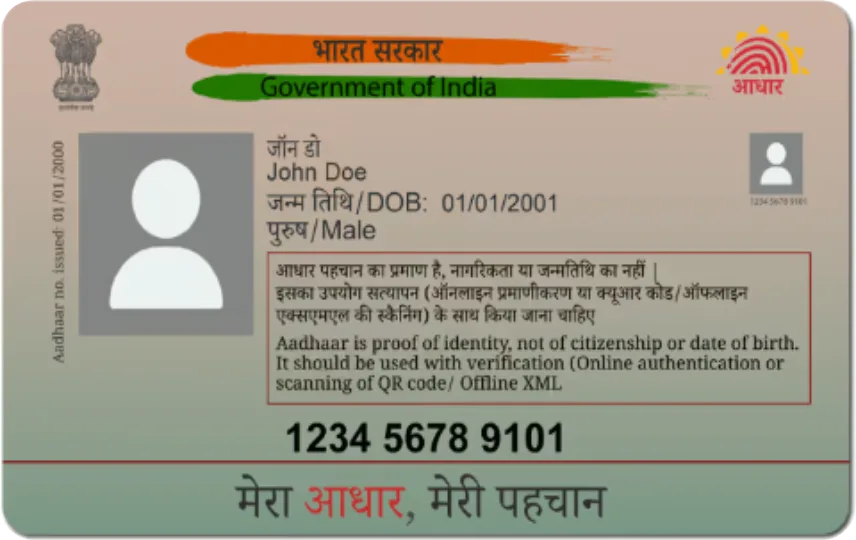
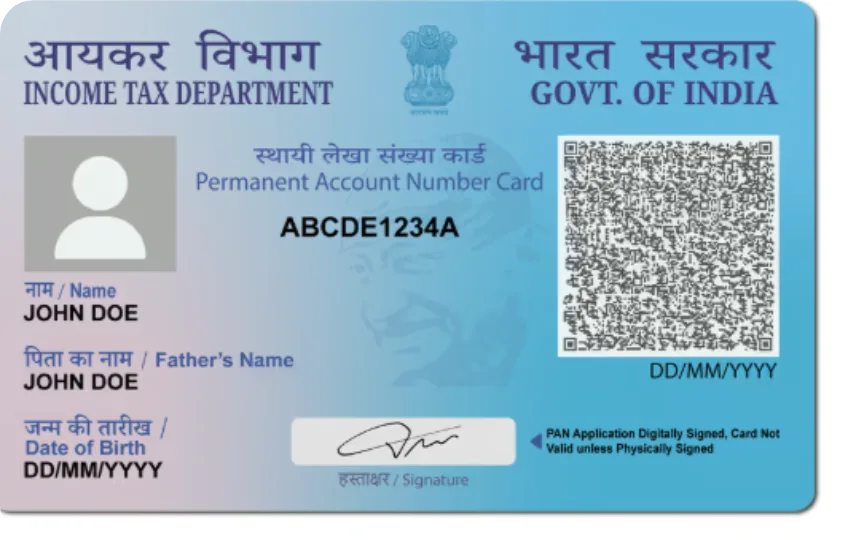
Print Aadhaar, PAN, Voter ID, Ayushman and other PVC cards on a Canon G-series printer with a PVC card tray — one card at a time, aligned to the card.
How Print Perfect Ai prints on a Canon printer
Choose Canon PVC Tray Printer in App Settings → Printer & output. The Standard layout prints one card on the paper and tray set in the printer's own Printing preferences; the 55 × 91 mm layout sends the card portrait on Canon's card paper size. Print a test card and correct the position with X / Y Offset in millimetres — the values are saved.
Which cards can I print?
Every card in the software: e-Aadhaar, PAN (NSDL / UTI e-PAN), Ayushman Bharat, ABHA, Voter ID (e-EPIC), Ration Card, Driving Licence, Vehicle RC, Farmer ID and 100+ Scan & Print formats — from the original PDF.
Print looks light or sits off the card?
Raise Print darkness in Printer & output, choose a photo / glossy paper type and High quality in the Canon driver, and use Edge bleed so a full-colour card has no white strip at its edge.
Canon printers — FAQ
Does Print Perfect Ai work with Canon printers?
Yes. Canon G-series printers with a PVC card tray are supported, with a Standard layout and a 55 × 91 mm card layout.
Can I print both sides of a PVC card on Canon?
Yes. The software prints the front, asks you to turn the card over, then prints the back at the same place.
Is there a free trial for Canon printers?
Yes — the full software is free for 1 day on every PC, with a watermark on the prints.
Where do I get the Canon driver?
From Canon's own support website for your printer model. The printer setup guide on this website has the link and the settings.
Start printing perfect PVC cards today
Download the free 1-day demo, or buy a plan and get your license key instantly.