
Jan Aadhaar Card
Jan Aadhaar Card PVC Printing Software (Rajasthan)
Print the Rajasthan Jan Aadhaar card PDF on PVC — the front and back are found on the page automatically in Scan & Print, with a data-only mode for pre-printed Jan Aadhaar cards.
What you get
- Jan Aadhaar formats in Scan & Print — found automatically with Auto format
- Front and back found from the PDF page, no manual crop
- Password-protected PDF opens with its password
- Pre-printed Jan Aadhaar cards: switch off Print Card Background and only the data prints
- Enhance Photo for a dark or light photo
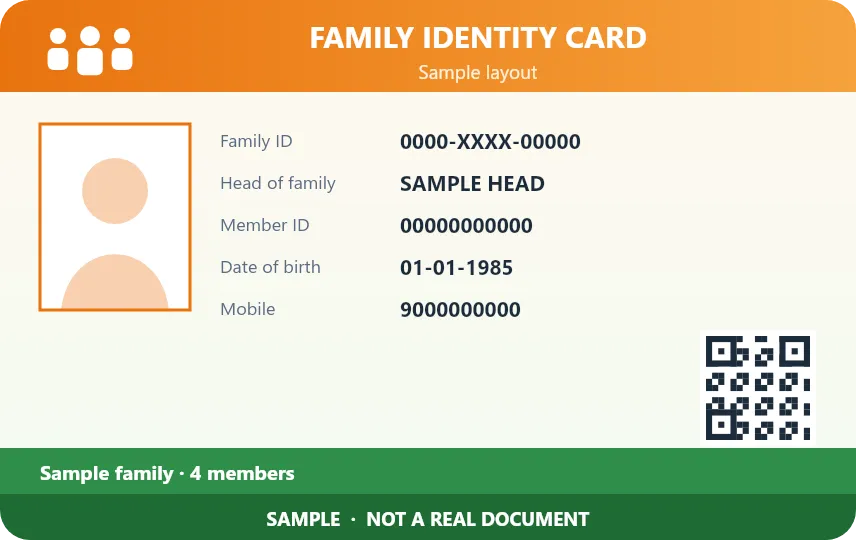
Sample designs for illustration.
Jan Aadhaar Card printing — FAQ
How do I print a Jan Aadhaar card on PVC?
Open the Jan Aadhaar PDF in Scan & Print (enter its password if asked). The software finds the card front and back on the page; check the preview and print.
Can I print on pre-printed Jan Aadhaar cards?
Yes. Switch off Print Card Background and only the customer data, photo and QR are printed in place.
Which printers work?
Epson L805 / L8050 PVC trays, Canon, CR80 card printers such as Evolis, and A4 or 4×6 sheets.
Start printing perfect PVC cards today
Download the free 1-day demo, or buy a plan and get your license key instantly.