
PVC card software
PVC Card Software for Epson L805, L800, L810 & L850
Print Aadhaar, PAN, Voter ID, Ayushman and other PVC cards on the Epson L805 family with its PVC card tray — perfectly aligned, in HD.
How Print Perfect Ai prints on the Epson L805
The L805, L800, L810 and L850 print PVC cards from the CD/DVD tray using the Epson R260 or R290 driver. Choose Epson PVC Tray Printer in App Settings, pick the Standard layout (paper and tray from Printer preferences) or the L805 layout (2 cards on the CD/DVD page), print a test card and fine-tune with X/Y offset. The setting is saved for every print.
Which cards can I print on L805?
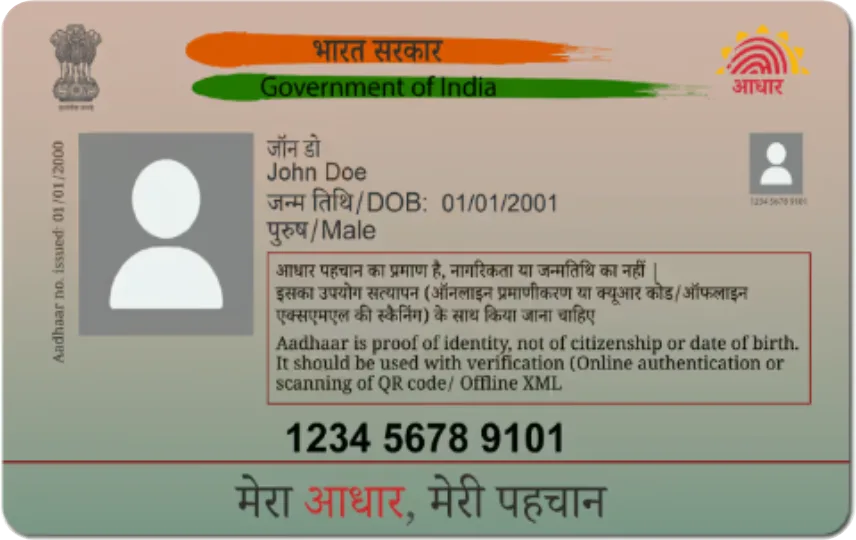
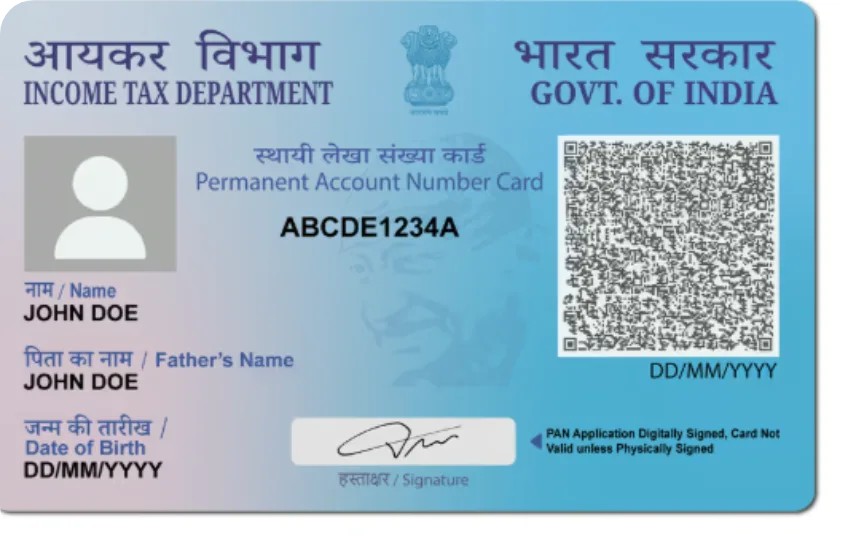
Every card in the software: e-Aadhaar (colour and 2nd generation), PAN (NSDL / UTI e-PAN), Ayushman Bharat PM-JAY, e-EPIC Voter ID, Ration Card, Driving Licence, ABHA, e-Shram and 100+ Scan & Print formats.
Background or pre-printed cards
Print full-colour cards on blank PVC, or switch off the background to print only the customer data on pre-printed PVC cards.
Epson L805 — FAQ
Does Print Perfect Ai work with Epson L805?
Yes. Epson L805, L800, L810 and L850 are supported through the PVC card tray with the R260 / R290 driver.
Is there a free PVC card software for Epson L805?
You can download Print Perfect Ai and use every feature free for 1 day on your PC. Plans start at ₹399 per month.
How many cards print at once on L805?
The L805 tray layout prints 2 cards per pass; the Standard layout prints one card per page on the paper set in Printer preferences.
Start printing perfect PVC cards today
Download the free 1-day demo, or buy a plan and get your license key instantly.