
Ayushman Bharat
Ayushman Card PVC Print Software (PM-JAY)
Print PM-JAY Ayushman cards in full colour, or only the beneficiary data in crisp black on pre-printed Ayushman PVC cards.
What you get
- PM-JAY PDF formats
- Pre-printed card mode: labels removed, data in black, blank back
- Photo and QR kept exactly as in the PDF
- Fill-card option for wide exports
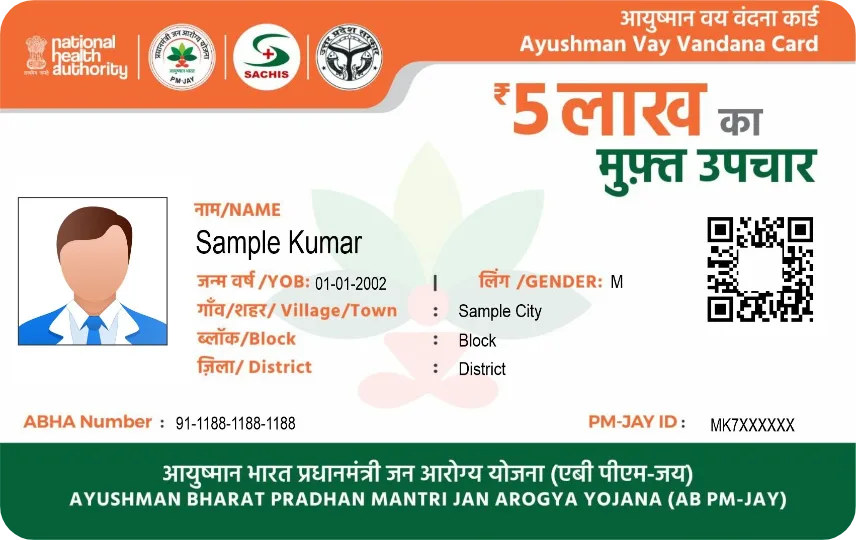
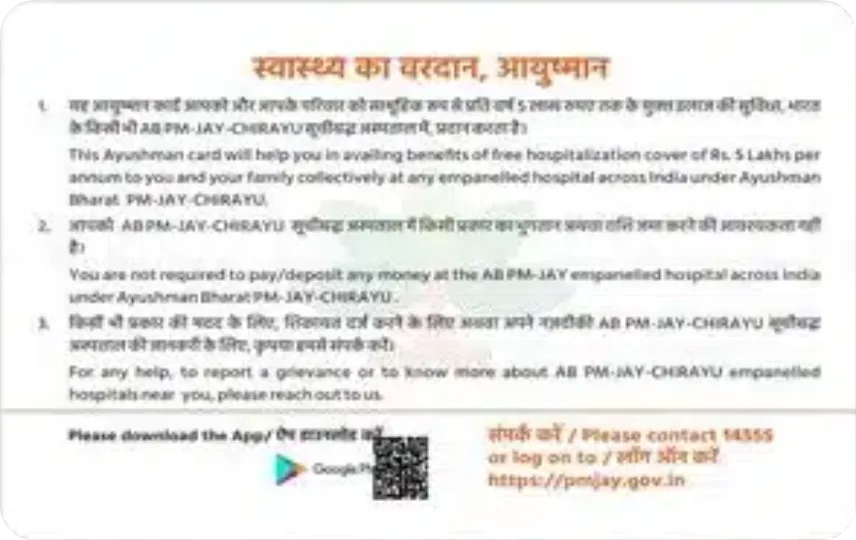
Sample designs for illustration.
Ayushman Bharat printing — FAQ
How do I print Ayushman Bharat on a PVC card?
Open Print Perfect Ai, choose the Ayushman Bharat tab, select the original PDF (enter its password if asked) and click Show Card Preview. Check both sides and click Print Card.
Which printers can print Ayushman Bharat PVC cards?
Epson L805 / L8050 PVC tray printers, Canon G-series, CR80 card printers such as Evolis and Zebra, and A4 or 4×6 paper printers.
Can I print only the data on a pre-printed Ayushman Bharat?
Yes. Switch off Print Card Background (or use Half Panel Ribbon) and only the customer data, photo and QR are printed in place.
Other cards you can print
Start printing perfect PVC cards today
Download the free 1-day demo, or buy a plan and get your license key instantly.