
PVC card software
PVC Card Software for Epson L8050 & L18050
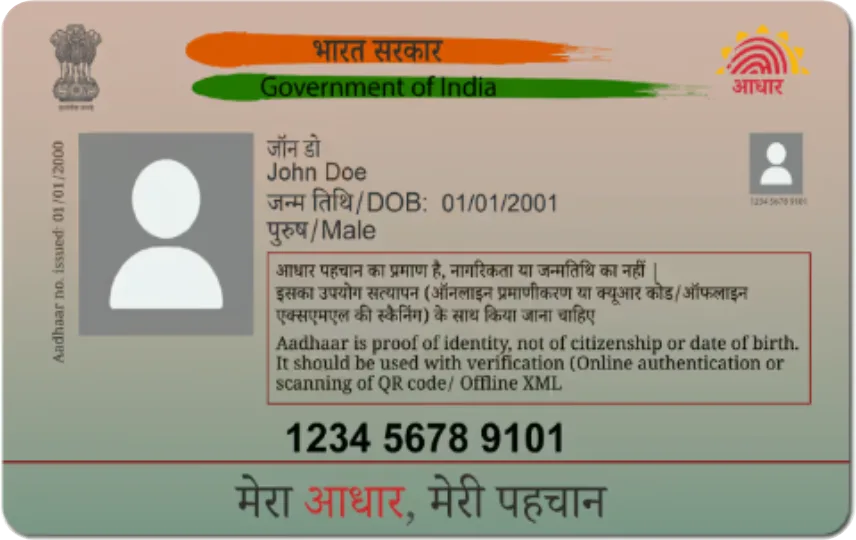
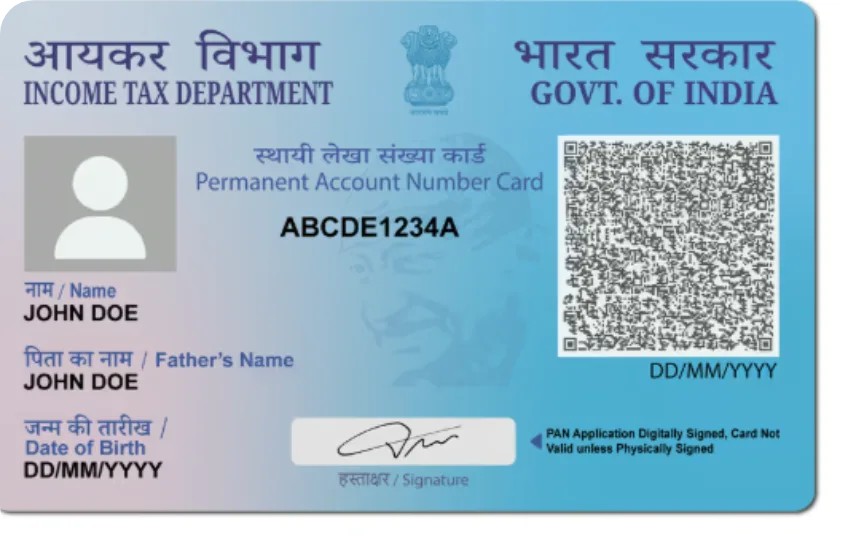
The Epson L8050 and L18050 have a built-in PVC ID card tray. Print Perfect Ai prints Aadhaar, PAN, Voter ID and Ayushman cards on it in HD, one card per page.
Setting up the L8050
Select Epson PVC Tray Printer in App Settings. The Standard layout uses the paper and ID-card tray chosen in Printer preferences; the L8050 option prints one portrait card per page (the driver’s PVC ID Card size, or a 54 × 86 mm custom size). Print a test card and fine-tune with X/Y offset.
Printer shows offline on WiFi?
Windows often reports WiFi Epson printers as offline while they work. Print Perfect Ai still sends the job to the Windows queue and tells you to check the printer.
Sharp text and QR codes
Tray printers print at 600 DPI with high-quality resampling so small text and QR codes stay readable.
Epson L8050 — FAQ
Does the software support Epson L8050?
Yes — Epson L8050 and L18050 are supported with their PVC ID card tray.
Can I print both sides on L8050?
Yes. The software prints the front, asks you to flip the card, then prints the back.
Is there a free trial for L8050?
Yes, a 1-day full demo on every PC.
Start printing perfect PVC cards today
Download the free 1-day demo, or buy a plan and get your license key instantly.